
Automate Grow Simplify Expand your business on WhatsApp
Connect with customers where they already are. Our platform turns WhatsApp conversations into sales opportunities with zero hassle.

Put messaging to work for your business
Reach customers almost anywhere
Expand your business's reach by engaging customers through the platforms they use daily, like WhatsApp.
Connect through conversations
Boost marketing, sales, and support results by having meaningful, two-way interactions that keep customers engaged at every stage of their journey.
Create memorable experiences
Use the API to build impactful conversational experiences featuring interactive prompts, dynamic product displays, rich media, and more.
Notifications
Keep your customers informed with timely, automated notifications delivered straight to their WhatsApp inbox. With the WhatsApp Business API, you can:
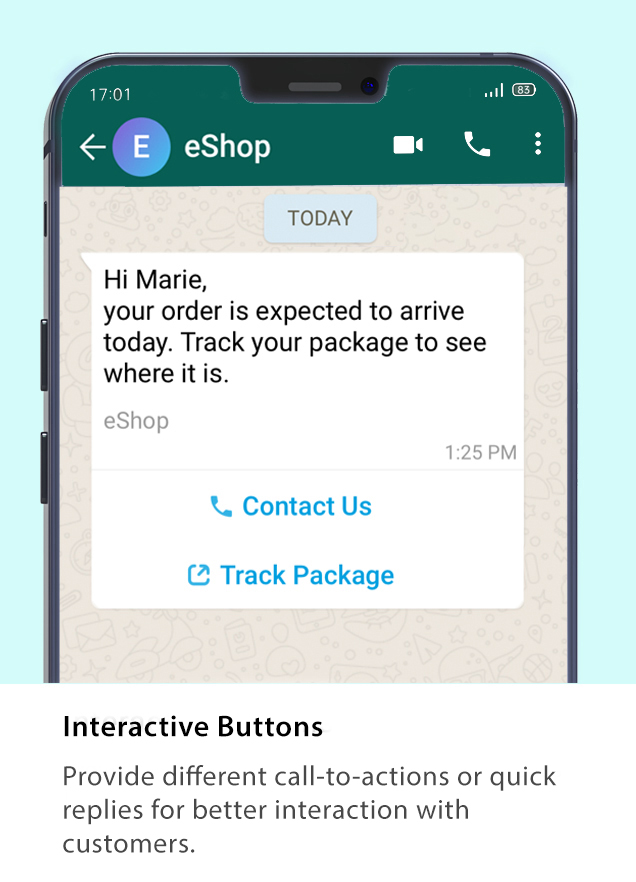
- Order Confirmations & Shipment Updates — Automatically notify customers when an order is placed, dispatched, or delivered, including tracking links and delivery estimates.
- Appointment Reminders — Confirm bookings and send timely reminders, allowing customers to reschedule or cancel directly within the chat.
- Payment Alerts — Instantly notify customers about due dates, successful payments, or failed transactions.
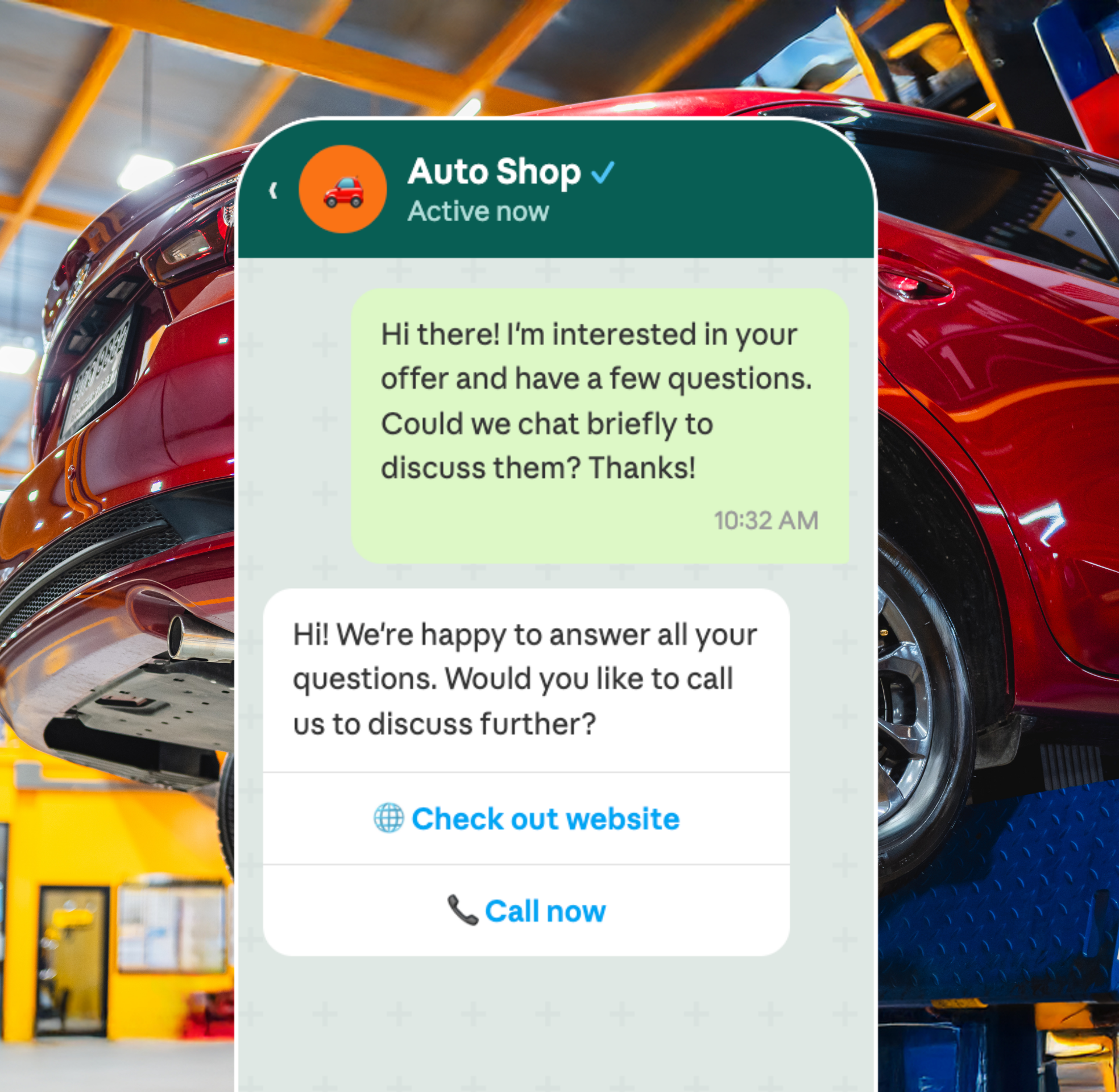
Promotions
Turn every interaction into a sales opportunity by delivering targeted, personalized promotions directly on WhatsApp. With the WhatsApp Business API, you can:
- Upsell & Cross-sell — Recommend complementary or premium products based on a customer’s purchase history, increasing average order value.
- Cart Abandonment Recovery — Automatically re-engage customers who left without completing a purchase with a timely, personalized nudge to bring them back.
- Hyper-Relevant Campaigns — Send tailored promotions based on customer behavior and preferences, ensuring your marketing spend reaches the right people with the right offer.
Move beyond generic broadcasts and create meaningful promotional experiences that drive conversions and maximize your marketing ROI.
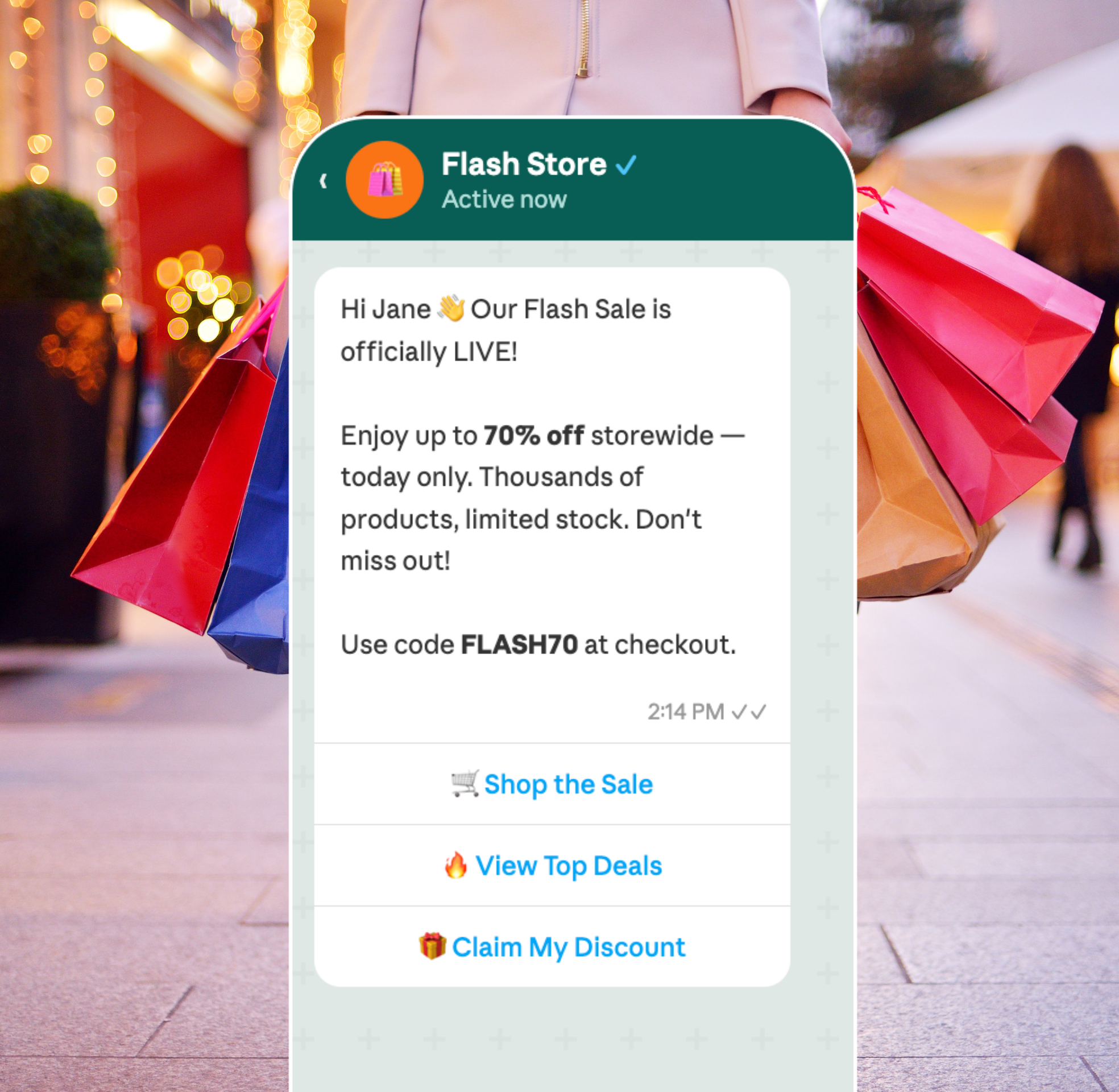
Commerce
Remove barriers between discovery and purchase by bringing the entire shopping experience into WhatsApp. With the WhatsApp Business API, you can:
- In-Chat Product Browsing — Let customers explore your product catalog, view details, and compare options without ever leaving the conversation.
- Seamless Order Placement — Allow customers to add items and complete purchases directly within WhatsApp, reducing drop-offs caused by redirecting to external sites.
- Guided Shopping Experience — Use conversational flows to help customers find exactly what they need, making the buying process feel effortless and intuitive.
Shorten the path from interest to purchase by creating a smooth, all-in-one shopping experience that keeps customers engaged and ready to buy.
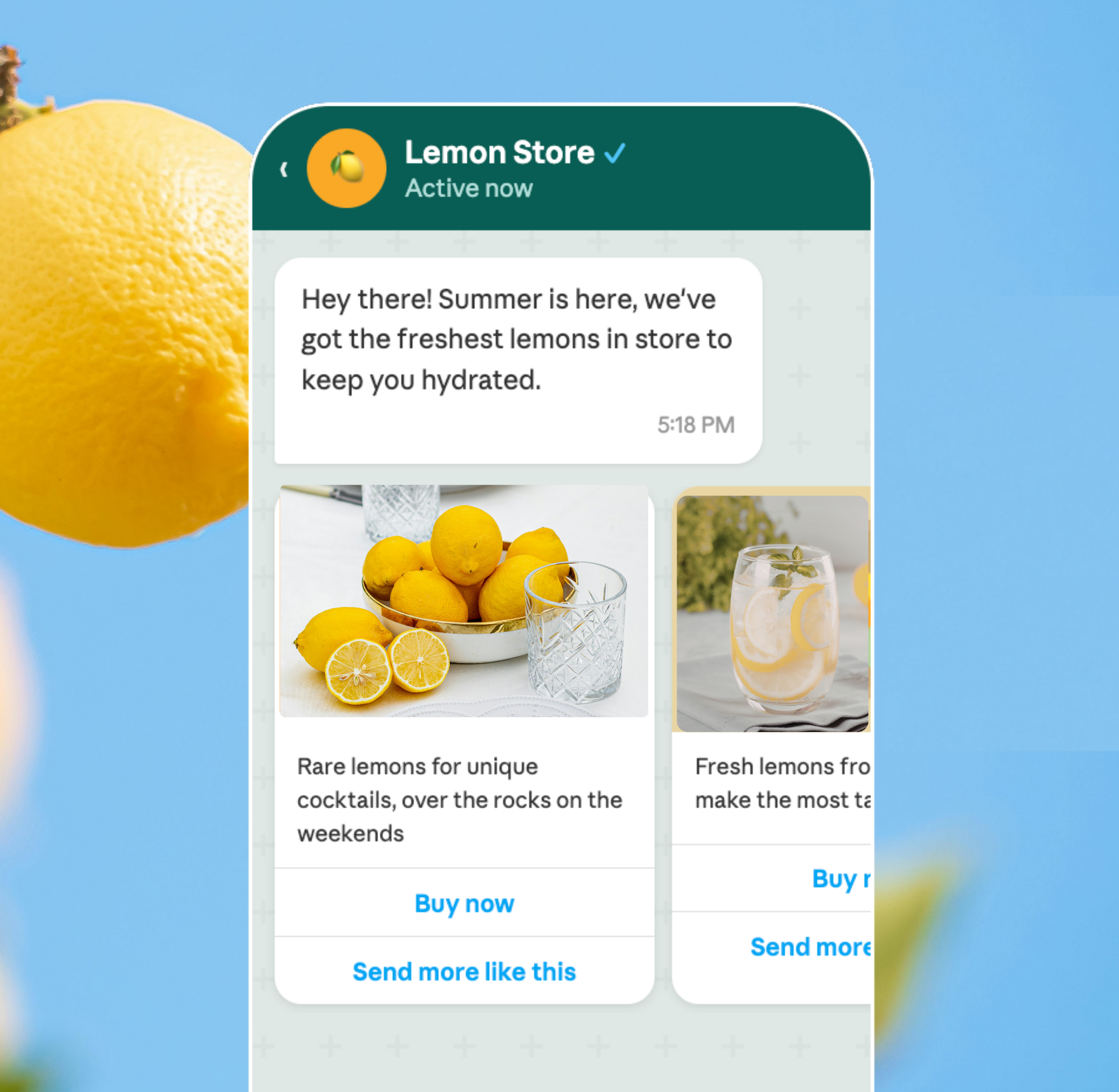
Verifications
Strengthen security and build customer trust by delivering instant, reliable verification messages through WhatsApp. With the WhatsApp Business API, you can:
- Multi-Factor Authentication (MFA) — Add an extra layer of security to customer accounts by requiring a second form of verification during login or sensitive transactions.
- One-Time Passwords (OTP) — Send time-sensitive OTPs directly to customers on WhatsApp, ensuring fast and secure account access without relying on SMS.
- Account & User Verification — Confirm user identities during sign-ups, password resets, or account changes, reducing fraud and unauthorized access.
Keep your customers’ accounts safe and accessible with seamless, WhatsApp-native verification flows they can trust.
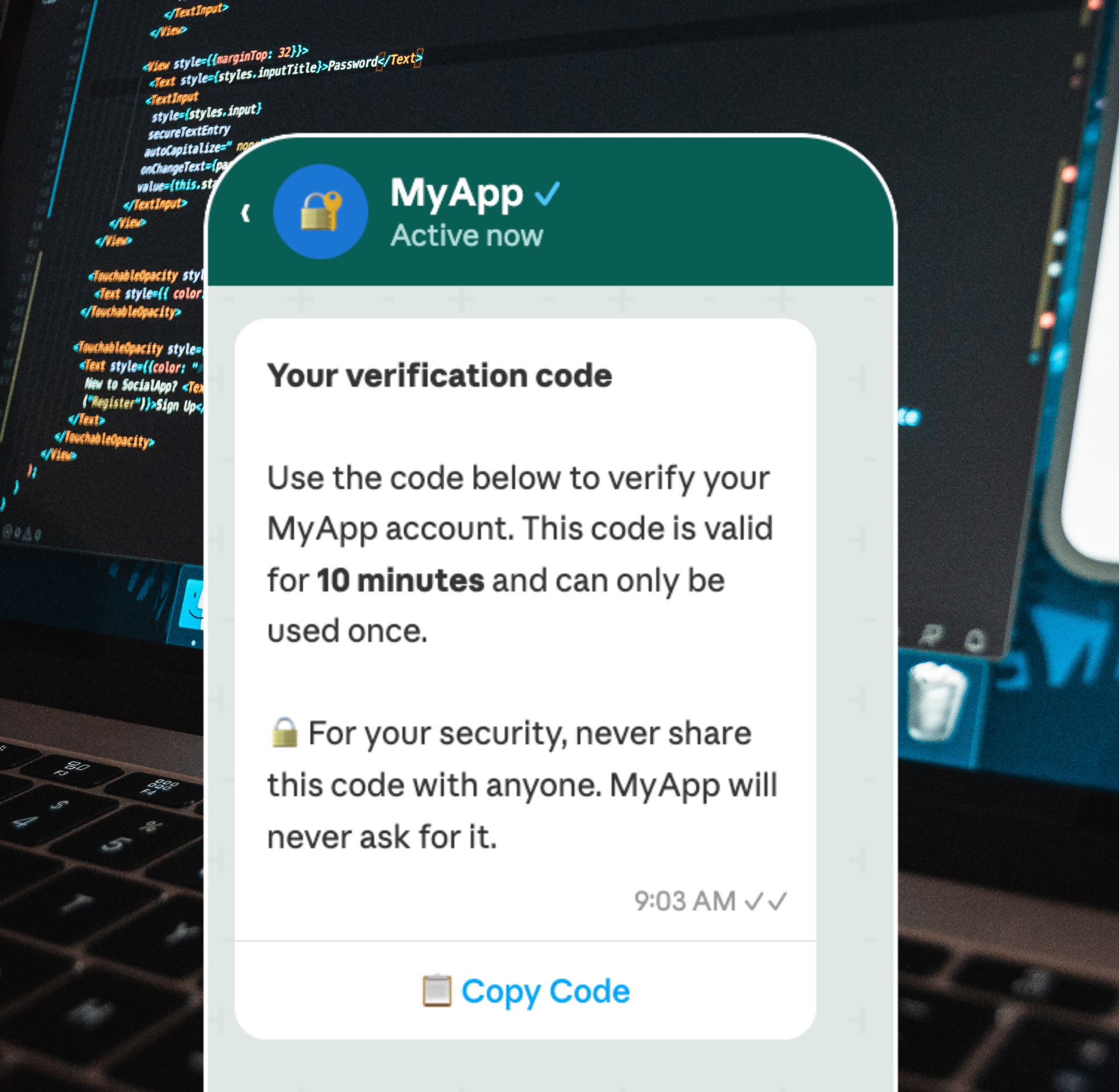
Custom Flows
Go beyond standard messaging and build unique conversational experiences tailored to your brand. With the WhatsApp Business API, you can:
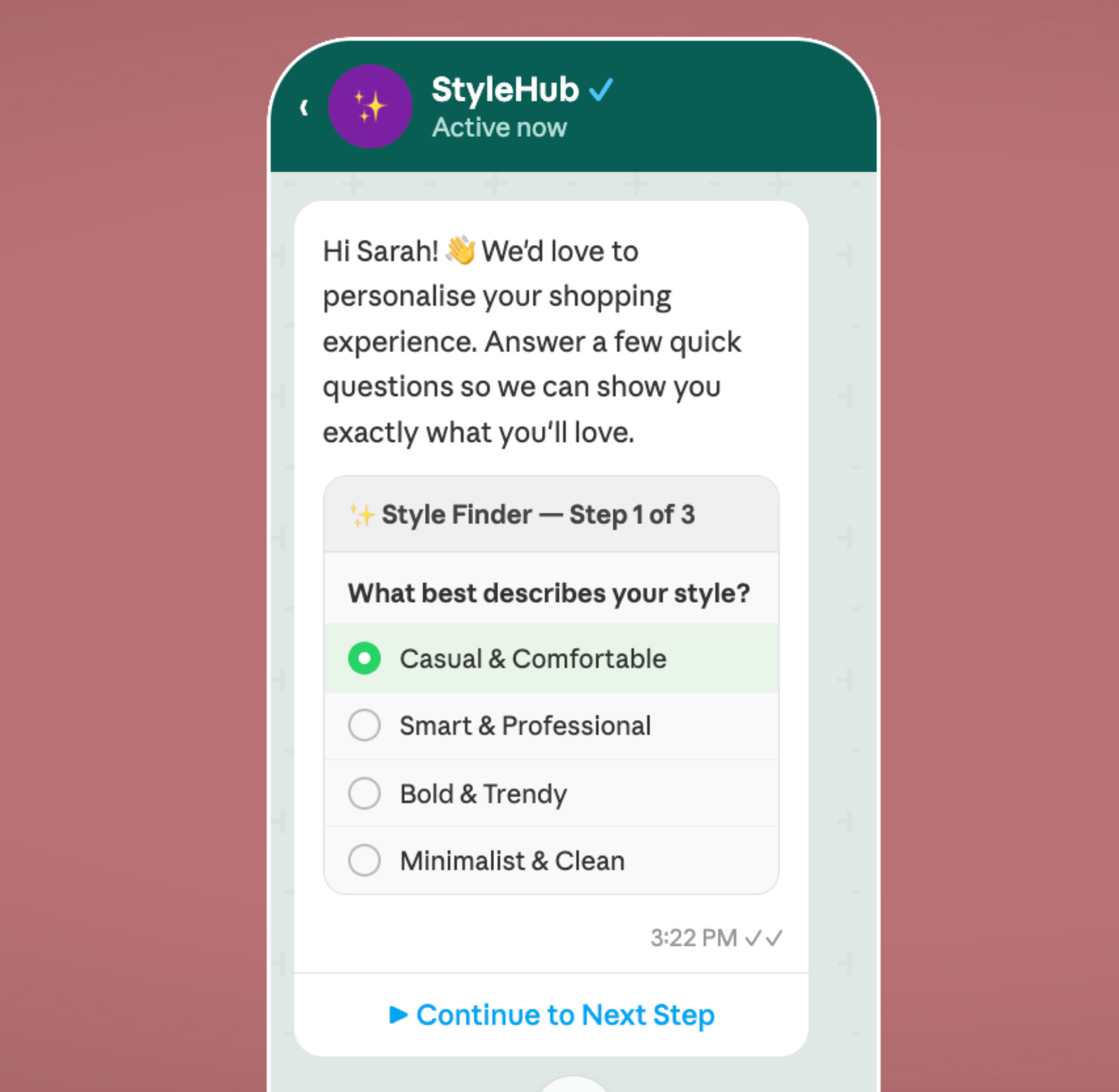
- Interactive Conversations — Design dynamic flows with buttons, quick replies, and rich media that guide customers through engaging, branded experiences.
- Personalized Journeys — Craft custom touchpoints for any use case — from onboarding and surveys to product recommendations and feedback collection.
- Scalable Experiences — Build once and deploy to thousands of customers simultaneously, delivering consistent, high-quality interactions at any scale.
Unleash the full potential of WhatsApp to create conversations that are uniquely yours, leaving a lasting impression on every customer.
Chatbot Integration
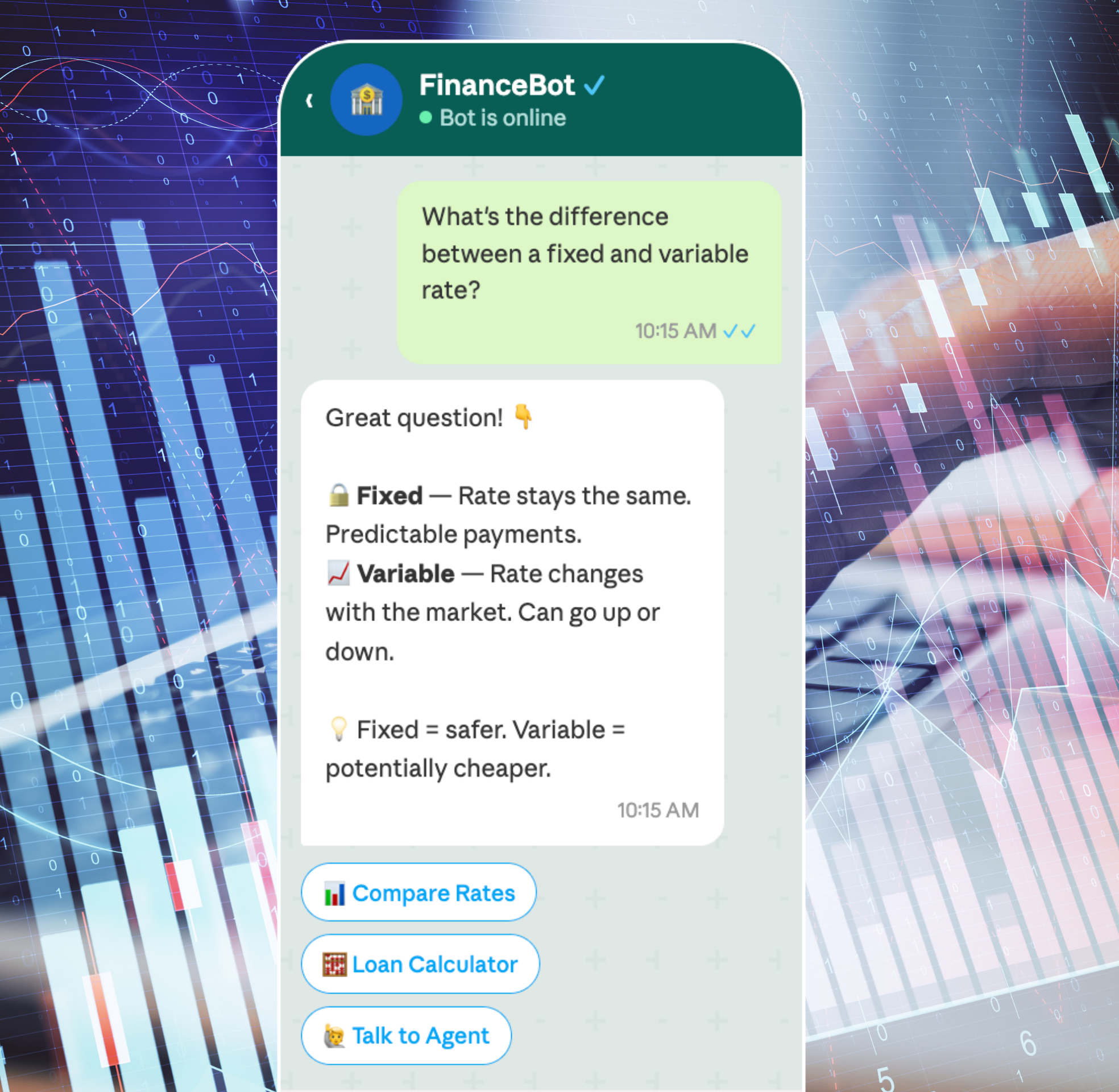
Never miss a customer interaction by deploying intelligent chatbots that work around the clock. With the WhatsApp Business API, you can:
- 24/7 Automated Responses — Ensure customers always receive instant replies, even outside business hours, reducing wait times and improving satisfaction.
- AI-Powered Conversations — Build smart chatbots that understand customer intent, answer frequently asked questions, and guide users through complex processes effortlessly.
- Seamless Human Handoff — Automatically transfer conversations from the chatbot to a live agent when the situation requires a more personal touch.
Combine the efficiency of automation with the warmth of human interaction to deliver a support experience that never sleeps.
Features Simplifed
Broadcast Communication
Push out your campaigns and engage with high response WhatsApp messages.
Multiple agents
Share the message marvel inbox across your team with support for an unlimited number of agents.
Chatbots
Create no-code chatbots to provide instant responses to common requests.
Low-Code Automations
Simplify mass communication and personalized responses with automated tools.
Easy integrations
Seamlessly integrate our platform into your systems with user-friendly API documentation and expert support.
Multi-Media Support
Enrich conversations effortlessly by sharing images, documents, and multimedia content, enhancing your overall communication strategy.
Frequently Asked Questions
Welcome to the MessageMarvel FAQ! This comprehensive guide answers common questions about using our messaging platform.
How do I access MessageMarvel?
Visit messagemarvel.com and navigate to the login page.
I don't have an account yet. How do I create one?
On the login page, click on “create one here” to set up a new account.
What can I do once I'm logged in?
Once logged in, you’ll access your dashboard where you can view available chats, send messages, create templates, set up campaigns, and build automations.
How do I start communicating with clients?
From your dashboard, you can access your available chats and start communicating directly with clients.
Can I use pre-made messages when chatting with clients?
Yes, you can send template messages during your conversations with clients.
Can I preview templates before sending them?
Yes, MessageMarvel allows you to preview any template before sending it to your client.
What are campaigns in MessageMarvel?
Campaigns in MessageMarvel function similarly to email marketing campaigns but for messaging.
How do I create a campaign?
Select the “campaigns” option from your dashboard and click “create a campaign” to get started.
How do I create a campaign?
Select the “campaigns” option from your dashboard and click “create a campaign” to get started.
Can I schedule campaigns for later?
Yes, you can either schedule a specific time for your campaign or send it immediately.
What types of templates can I create?
You can create various templates including those with buttons, for utility purposes, marketing, or authentication.
How do I create a template?
Access the templates section, select the type of template you want to create, choose a language, and start drafting.
Can I enhance my templates with additional features?
Yes, you can add phone numbers, website links, and custom buttons that trigger different actions.
How do I test my templates?
You can select and test your templates directly from the template creation interface.
What automation features does MessageMarvel offer?
MessageMarvel allows you to create basic reply automations and more complex automation flows.
What should I include when setting up an automation?
Go to the automation section and click on “add new automation” to get started.
Can I create different automation flows?
Yes, you can build different automation flows for various purposes and connect them together.
Can I make my automations interactive?
Yes, you can include interactive elements like buttons and lists in your automation flows to make your interactions more engaging.
Where can I get help if I encounter issues ?
Contact our support team through the support section in your dashboard or email support@messagemarvel.com.
Is there a tutorial available for new users?
Yes, we offer comprehensive video tutorials and guides in the Help section to get you started with MessageMarvel.
Still have questions?
Contact our support team through the Help section in your dashboard or email support@messagemarvel.com.
Get great features at a price that makes sense
Affordable pricing with zero setup fees. 7 days trial period.
Basic Plan
Great entry point for small businesses
$19/ month
- 5 Campaigns
- 5000 Contacts
- Unlimited Messages
- 10 Automated Replies
- 3 Users
- Embedded Signup
- API + Webhook Acess
- Flow Builder
- Priority Support
- Setup Assistance
Pro Plan
Sweet spot for growing businesses
$49 / month
- 25 Campaigns
- 10,000 Contacts
- Unlimited Messages
- Unlimited Automated Replies
- 5 Users
- Embedded Signup
- AI Assistant (Bring Your Own OpenAI API Key)
- API + Webhook Acess
- Flow Builder
- Unlimited AI Text Response Limit
- Unlimited AI Audio Response Limit
- Priority Support
- Setup Assistance
Enterprise Plan
Properly positioned for large businesses
$199/ month
- Unlimited Campaigns
- Unlimited Contacts
- Unlimited Messages
- Unlimited Automated Replies
- Unlimited Users
- Embedded Signup
- AI Assistant (Bring Your Own OpenAI API Key)
- API + Webhook Acess
- Flow Builder
- Unlimited AI Text Response Limit
- Unlimited AI Audio Response Limit
- 24/7 Support
- Setup Assistance